
Mastering Shigaku Character Customization: A Complete Guide to Your Unique Look
Dive into Shigaku character customization with our expert guide. Learn how to refine your avatar, explore design options, and stand out in the game world.
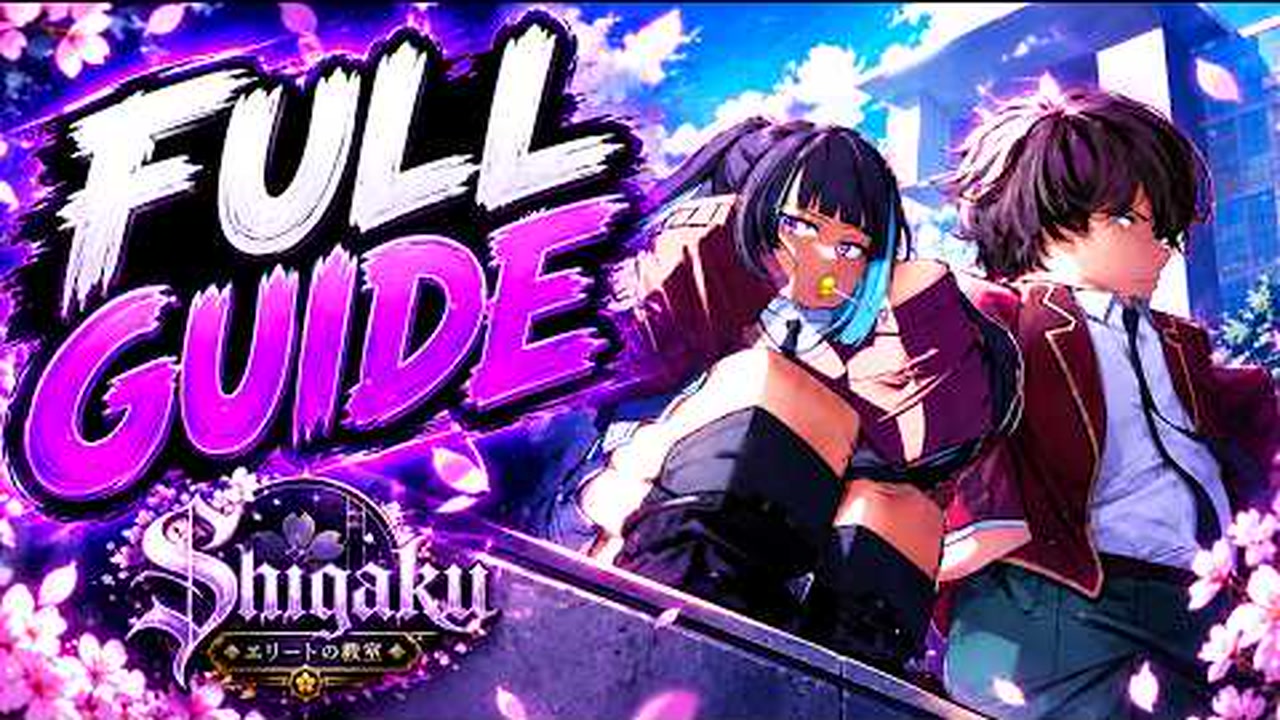 Game mediaDive into Shigaku character customization with our expert guide. Learn how to refine your avatar, explore design options, and stand out in the game world.YouTube
 Introduction
Standing out in the immersive world of Downtown Shigaku Monogatari requires more than just raw skill; it demands a distinct visual presence. Mastering Shigaku character customization is the first step toward defining your identity in this competitive environment, ensuring your avatar reflects your personal style. By understanding the intricacies of Shigaku character customization, you can transform a standard model into a unique character that commands attention during every interaction.
Understanding the Aesthetic Foundations
The visual identity of your avatar in Shigaku is heavily influenced by high-school anime tropes and modern streetwear aesthetics. Many players find that the game’s design philosophy leans into traditional school-uniform styles, which has become a staple of the community. Whether you are aiming for a clean, academic look or a more rebellious, street-ready appearance, the character sheet serves as your primary tool for expression.
According to community reports, the character sheet interface is designed to be intuitive, allowing for rapid adjustments to your avatar’s proportions and clothing. Players often spend hours in this menu, experimenting with different color palettes and accessories to align with their chosen persona.
Popular Aesthetic Archetypes
| Archetype | Key Features | Aesthetic Vibe |
|---|---|---|
| The Scholar | Traditional uniform, neat hair | Academic, disciplined |
| The Delinquent | Loose uniform, spikes | Rebellious, edgy |
| The Minimalist | Simple color schemes | Clean, modern |
| The Avant-Garde | Unique accessories | Experimental, loud |
Navigating the Character Sheet
The character sheet is the heart of the experience. It is where you define your character’s silhouette and initial gear setup. For those new to the game, the sheer number of options can feel overwhelming. However, focusing on layers—base appearance, uniform modifications, and accessories—will help you streamline the process.
Community members on platforms like Discord often share tips on how to layer items effectively to avoid clipping and ensure a cohesive look. When you are adjusting your character, remember that minor tweaks to skin tone or hair color can significantly alter how your character interacts with the game’s lighting engine.
Essential Customization Steps
- Define the Base: Start with your character’s physical structure and facial features.
- Select the Uniform: Choose a base uniform that fits your desired role-play archetype.
- Layering: Apply secondary clothing items like jackets or scarves to add depth.
- Final Polish: Add accessories such as eyewear or headwear to complete the silhouette.
Community Trends and Inspiration
The Shigaku community is highly active, often setting trends that influence how new players approach their designs. Social media platforms like TikTok have become hubs for players to showcase their creations, often using hashtags like #shigaku to highlight their unique character builds. Seeing these builds in motion can provide excellent inspiration for your own customization journey.
Player experience suggests that participating in these community showcases is one of the best ways to learn advanced tricks. Many veterans of the game share "character codes" or specific configuration guides that can help you achieve a specific look much faster than experimenting alone.
Current Community Style Rankings
| Style Trend | Popularity | Difficulty to Achieve |
|---|---|---|
| Classic school uniform | High | Low |
| Layered Streetwear | Medium | Medium |
| Minimalist Monochrome | Medium | Low |
| Themed/Cosplay | Low | High |
Optimizing Your Look for Performance and Style
While aesthetics are paramount, it is important to consider how your character’s design impacts visibility and movement. In some high-intensity scenarios, overly complex outfits can cause minor clipping issues or visual clutter. Experienced players recommend testing your character in various game environments—such as the classroom or the city streets—to ensure your design looks sharp in all lighting conditions.
To keep up with the latest game updates, it is recommended to follow the official Roblox game page to stay informed about new cosmetic additions and engine improvements.
Optimization Checklist
- Check for Clipping: Move your character through different animations to ensure clothing doesn't overlap awkwardly.
- Lighting Test: Preview your character in both bright, outdoor areas and dim, indoor locations.
- Color Coordination: Use a consistent color palette (e.g., 2-3 main colors) to prevent the outfit from looking chaotic.
- Silhouette Check: Ensure your character’s shape is recognizable even from a distance.
Advanced Customization Tips
For those who want to take their Shigaku character customization to the next level, consider focusing on the "small details." Accessories are often overlooked by beginners, but they can be the difference between a generic avatar and a standout character. Look for items that complement your primary color scheme rather than clashing with it.
Furthermore, community reports indicate that certain hair types and eye shapes interact differently with the game's shaders. If you find your character looks "flat," try experimenting with different texture settings or hair styles that provide more volume and depth.
Advanced Configuration Table
| Feature Category | Recommended Focus | Impact on Aesthetic |
|---|---|---|
| Hair | Volume and Flow | High |
| Eyes | Shape and Color | Medium |
| Accessories | Layering and Placement | High |
| Uniform | Texture and Fit | Medium |
Frequently Asked Questions
How can I improve my Shigaku character customization? The best way to improve is to spend time in the character sheet experimenting with layering and color theory. Don't be afraid to look at community-made builds on social media for inspiration.
Are there specific items that are considered rare? Yes, certain limited-time event items are highly sought after. Keeping an eye on the community Discord is the best way to know when new, exclusive customization options are released.
Does my character design affect my gameplay? While the customization is primarily cosmetic, having a character that fits the game's aesthetic can make your role-play experience much more immersive and enjoyable.
Where can I find more inspiration for my character? The best places to look are the official community Discord servers and social media tags like #shigaku. These spaces are filled with players sharing their latest designs and customization tips.
Related Guides
Shigaku Ethnicity Customization Guide: Origin, Stats, and Best Builds
Discover the origin, stats, and customization options for the Shigaku ethnicity in modern anime RPGs. Learn how to optimize your character build.
Shigaku Rerolls Guide: Active Codes, Customization, and Tier List
Master Shigaku rerolls in Roblox. Learn how to redeem free rerolls, customize your anime high school fighter, and roll top-tier surnames and styles.
The Ultimate Guide to Shigaku Mythic Hair Color: Achieving the Perfect Look
Master the art of character customization with our deep dive into Shigaku mythic hair color, exploring texture trends, finish preferences, and styling tips.
Understanding Shigaku Height and Character Customization in Roblox Games
Dive into the world of Shigaku, exploring character stats like Shigaku height, combat mechanics, and the latest working codes for 2026.